
Why Fully Custom Video Platforms Win (and How We Build Them at OptiFlowz)
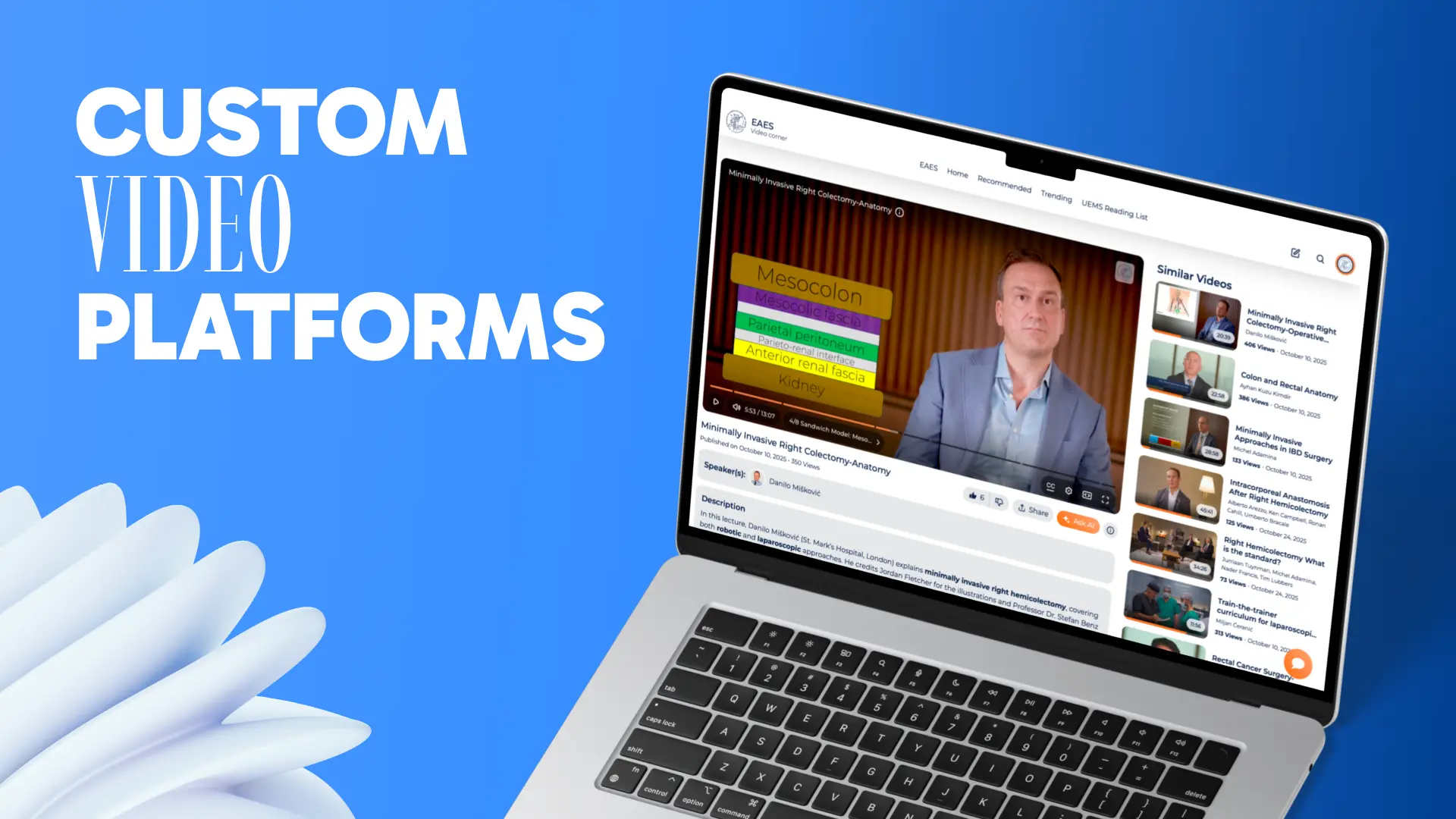
Most video tools are built to be “good enough” for everyone — which often means they’re perfect for no one.
Upload a video, embed a player, maybe add login access — and that’s it.But when video becomes core to your business — education, onboarding, memberships, training, or certification — those limitations quickly create friction.
At OptiFlowz, we build fully custom video platforms designed around your brand, users, and workflows.
Instead of just embedding a player, we design the full system: content structure, UX, admin workflows, and integrations.

1) Your content isn’t generic — your platform shouldn’t be
Training platforms, memberships, and internal academies all need different structures.
A custom platform lets you design exactly how users discover content, progress through it, and return to it.
Common features we build:
- Structured libraries (topics → series → lessons)
- Watch history and resume playback
- Chapters and downloadable resources
- Subtitles and multilingual support
- Learning paths and role-based access

2) Brand trust is a feature
Off-the-shelf tools often feel like add-ons: different UI, mismatched design, or a checkout flow that doesn’t match your product.
With a custom platform, the experience feels consistent and professional — because it’s built entirely around your brand.
What we customize:
- Platform UI and design system
- Landing pages and content discovery
- Emails, notifications, and onboarding flows
- Login and SSO integrations

3) Scale and performance are design decisions
Streaming quality, search, permissions, and analytics aren’t add-ons — they’re core parts of the platform.
Many platforms work fine early on, but struggle as libraries grow and audiences expand.
What we design for from the start:
- Fast search and navigation across large libraries
- Reliable content delivery and caching
- Scalable storage and predictable costs
- Roles, groups, and permission models
- Monitoring and reliability tooling

4) Automation is where the real ROI appears
A video platform becomes much more powerful when it connects to the rest of your operations.
Typical integrations include:
- onboarding and welcome emails
- certificates and completion tracking
- payments and subscriptions
- CRM synchronization
- analytics and reporting
This is where a video platform becomes business infrastructure, not just a content library.
Examples of automation we build:
- Auto-enroll: purchase → account → access granted → welcome flow
- Certificates: completion → certificate generated → email sent
- Content ops: upload → review → publish → notify users
- Analytics: watch data → dashboards → weekly reports
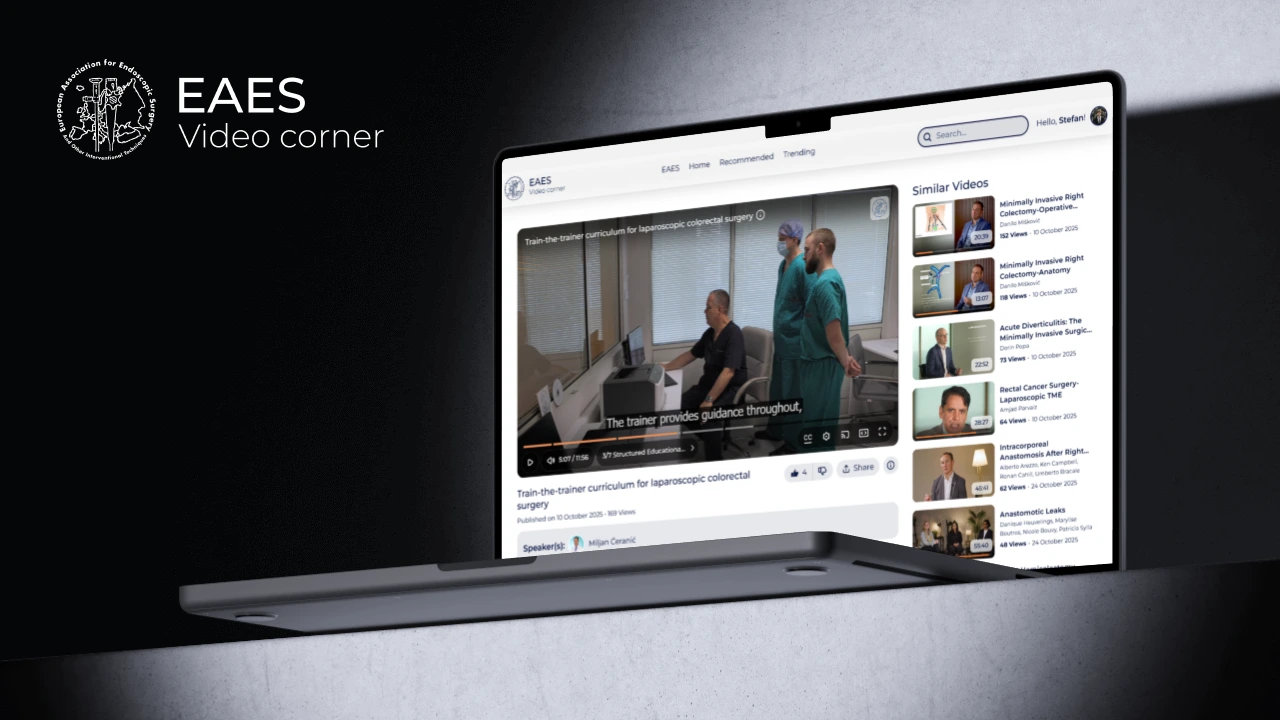
Real-world example: education platforms
Education platforms demand reliability: fast loading, accurate progress tracking, and trustworthy certificates.
We’ve built custom video systems for demanding environments like surgical education — where usability and reliability are critical.
What “Fully Custom” means at OptiFlowz
Fully custom means the platform is built around your goals instead of forcing you into templates.
- Custom UX: libraries, players, dashboards
- Custom admin: uploads, moderation, permissions
- Custom integrations: payments, CRM, analytics, SSO
- Custom infrastructure: performance, scalability, monitoring
If you’re considering a video platform in 2026
If your needs go beyond “upload and play,” you’re already in custom territory.
The question becomes whether your platform will be limited by templates — or built around your business.
A good starting point:
- define your content structure
- map user journeys
- design the platform as a system, not just a video player