
When a Spreadsheet Becomes a Business System, It Is Time to Replace It

Spreadsheets are excellent for analysis, planning, and early-stage tracking. Problems emerge when a growing team starts using one as a database, admin panel, reporting layer, and operating interface at the same time.
At that point, the issue is not the number of rows. It is that the spreadsheet has become responsible for managing business rules, relationships, permissions, and decisions it was never designed to control.
At OptiFlowz, we build purpose-built internal tools that turn spreadsheet-dependent operations into structured software. This can include custom admin panels, operational dashboards, searchable records, role-specific interfaces, and connected systems designed around how the business actually works.

1) Growth adds relationships that spreadsheets struggle to represent
A simple spreadsheet works when each row can stand on its own. Growing operations rarely remain that simple. A customer may have multiple projects, each project may contain several deliverables, and every deliverable may have its own owner, status, deadline, cost, and approval history.
Teams often respond by adding more tabs, lookup formulas, colour codes, and duplicated fields. The spreadsheet becomes harder to understand because it is trying to represent a connected business through disconnected cells.
Relevant examples or features:
- Customer records linked to projects, orders, or service history
- Inventory items connected to suppliers, locations, and movements
- Projects linked to tasks, budgets, documents, and team members
- Searchable records without navigating multiple tabs
- Structured fields that keep related data consistent

2) Internal tools can enforce how data should be handled
Spreadsheets allow enormous flexibility, but that flexibility becomes risky when several people depend on the same information. A user can overwrite a formula, enter a date in the wrong format, skip a required field, or change a status without completing the necessary checks.
A custom admin panel replaces loose conventions with clear product behaviour. Instead of asking everyone to remember the correct process, the interface can guide each action, validate inputs, and limit sensitive changes to authorised roles.
What this can include:
- Required fields and consistent input formats
- Role-based access to records and actions
- Controlled status changes with defined conditions
- Validation rules for prices, dates, quantities, or identifiers
- Change histories showing what was updated and by whom
3) The right replacement is an operational interface, not a prettier grid
Replacing a spreadsheet does not mean recreating every column inside a web application. The better approach is to identify the decisions people make, the records they need, and the actions they take most often.
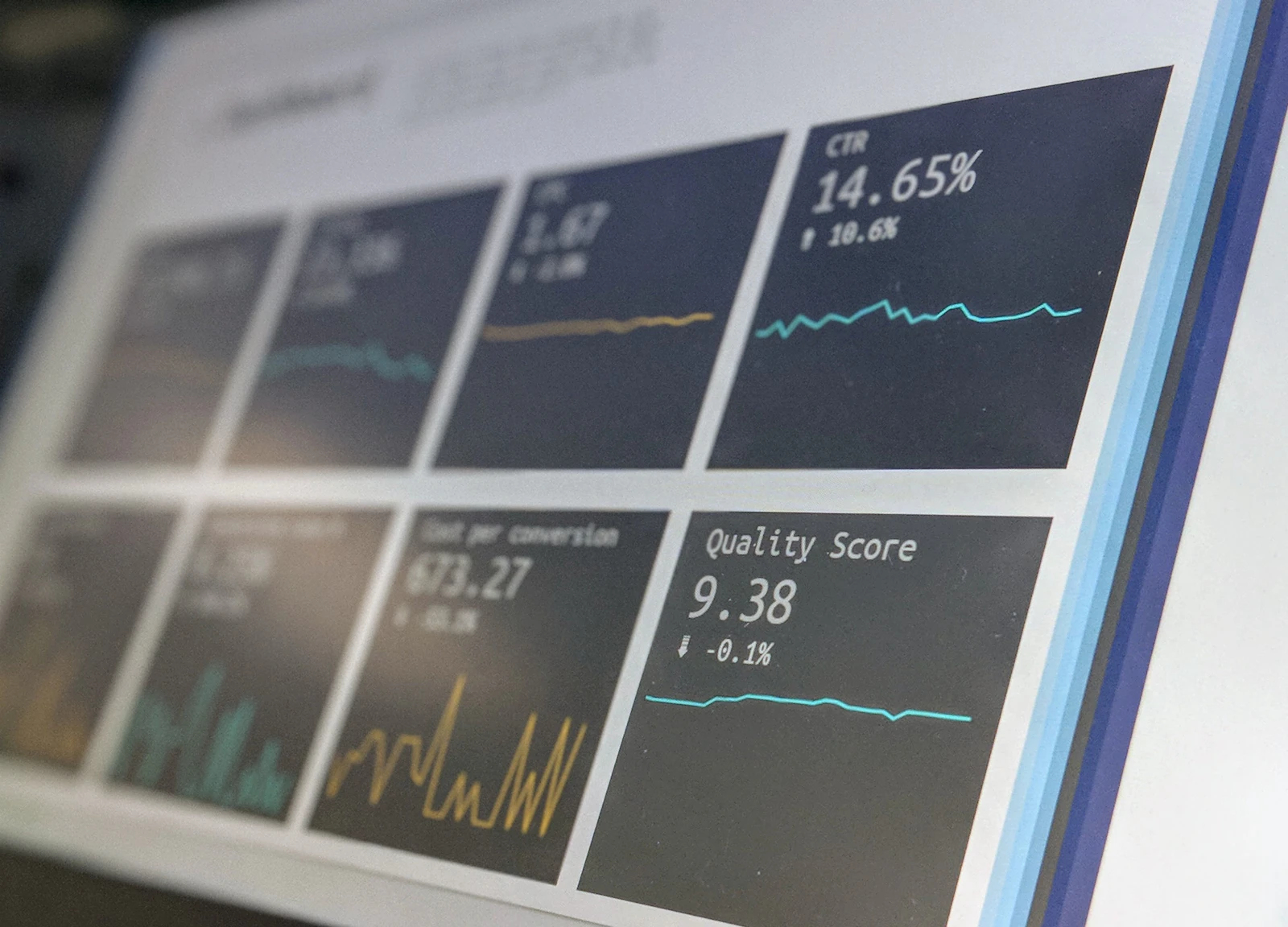
A manager may need a dashboard showing exceptions and performance indicators. An operations coordinator may need a queue of records requiring attention. An administrator may need detailed editing controls. Purpose-built internal software can provide each role with the right view of the same underlying data.
What to consider:
- Which spreadsheet currently carries the most operational responsibility
- Which fields, formulas, and tabs represent real business rules
- Which users need to view, create, edit, approve, or export information
- Which integrations are needed to keep data current across existing systems
Final thoughts
Spreadsheets do not become unsuitable simply because a company reaches a certain size. They become unsuitable when the business needs dependable relationships, controlled actions, role-specific access, and interfaces built for repeatable operational use.
A focused internal tool can replace the most fragile part of a spreadsheet-based process without forcing the business to rebuild everything at once. OptiFlowz helps growing teams design and develop custom dashboards, admin panels, and internal software that match their real operating requirements and remain practical as those requirements evolve.